Installation
At this moment, MotionLight is only available on Windows.
Download MotionLight.msi
Check the latest realease on the github repository.
Then, download the MotionLightWin32SetUp.msi to your computer.
Most of the times, the file will be in your Dowloands directory.
Installing MotionLight
It´s time to install MotionLight.
Double-click on the msi file.

A window will appear, click the Next button to continue with the installation.
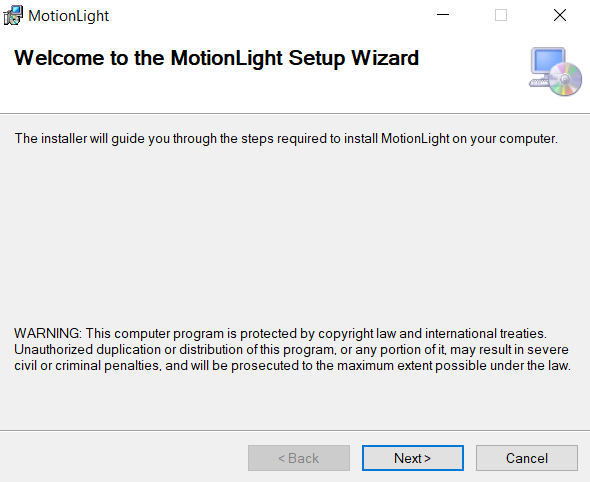
MotionLight is an open source project, subject to the terms of the Mozilla Public License.
Please ignore the installer´s warning disclaimer.
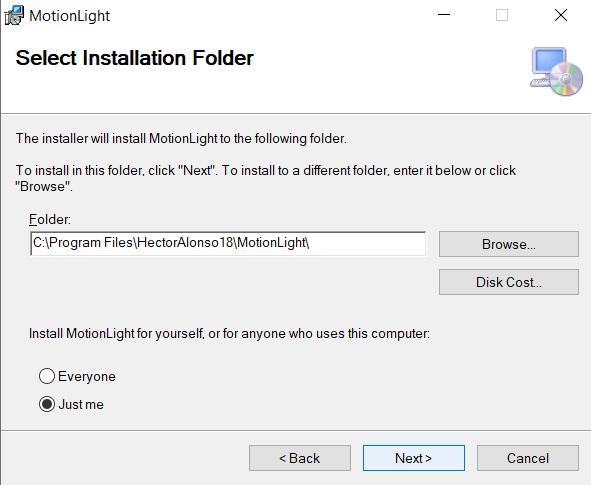
The installer will select the default folder for the MotionLight application. You can change this directory or keep the default one. It is recommended to use the default folder.
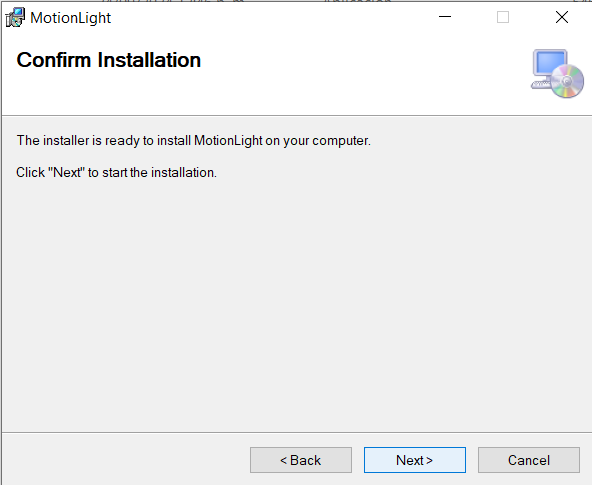
Finally, confirm the installation by clicking Next.
You are done 🙏! Now, you can start using Motion Light.
A shortcut will be created on your desktop. Also, you can acces to MotionLight using the search bar.
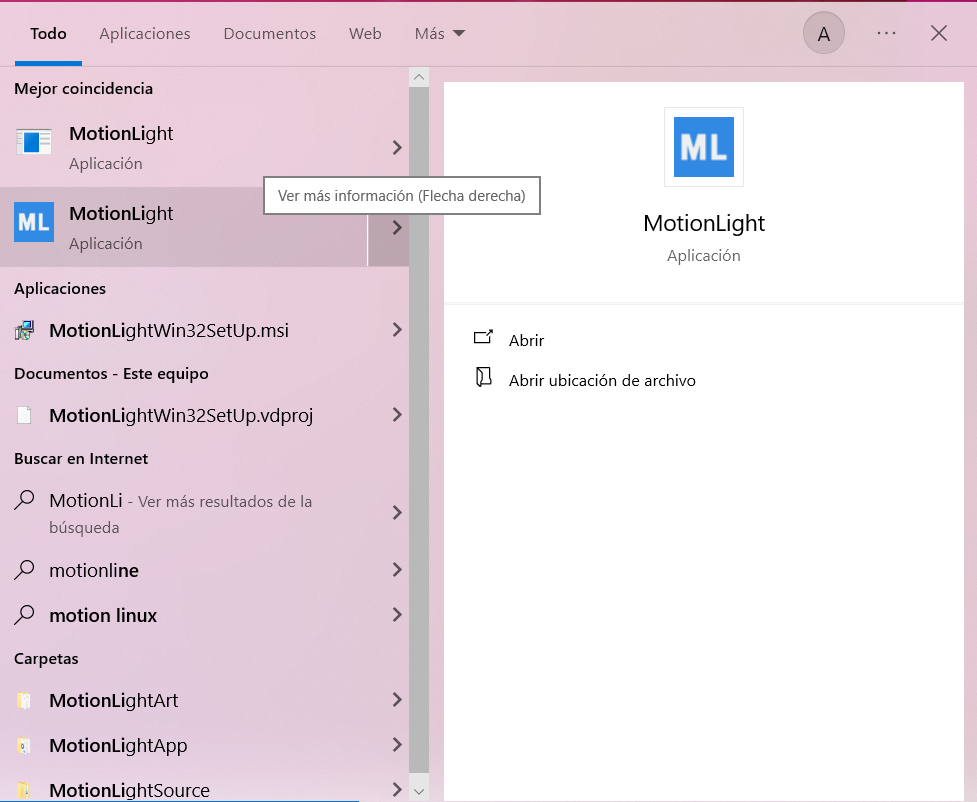
Star using MotionLight 😉!
Check out look the tutorials section to learn how to use MotionLight